
Employees misplace keys
A small security key can disappear into bags, desk drawers, travel pouches, or unmanaged storage.
Standardized carry, protection, labels, insert cards, packaging, and rollout materials built around the standard NOPKEY case for company-issued YubiKeys.
Enterprise MFA programs also need employee carry habits, backup-key discipline, clear setup instructions, physical identification, procurement consistency, and a recovery path that does not create extra IT friction.
A small security key can disappear into bags, desk drawers, travel pouches, or unmanaged storage.
Keys, tools, coins, and bag pressure expose bare hardware keys to everyday friction.
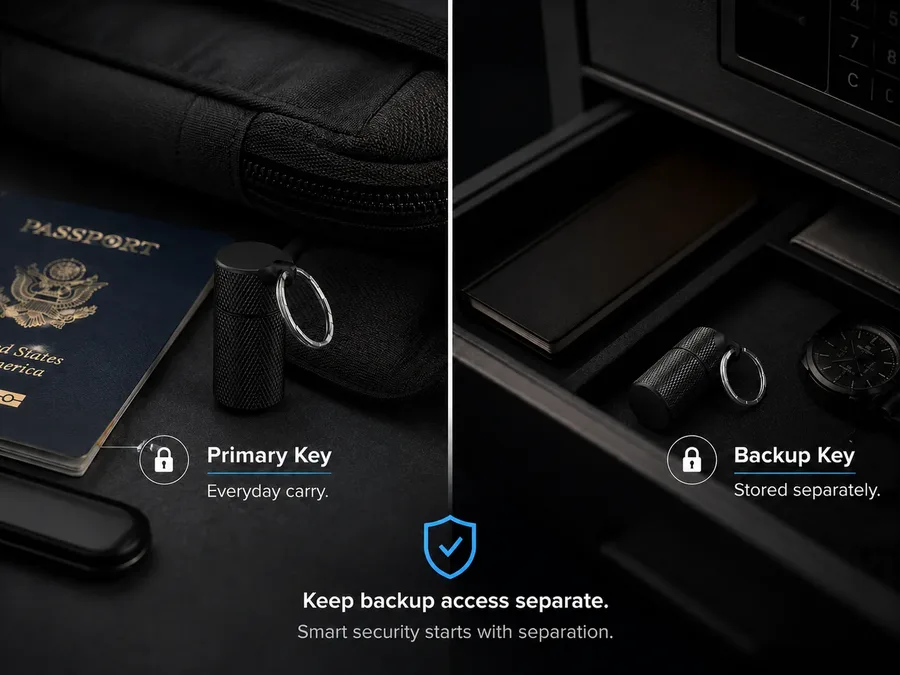
Employees may store primary keys, backup keys, and recovery material too close together.
Missing, damaged, or unmanaged keys can turn into access-recovery work for IT and security teams.
Use NOPKEY kits for employee onboarding, remote rollout, executive access protection, backup-key planning, multi-key storage, physical asset labeling, and hardware-key replacement workflows.
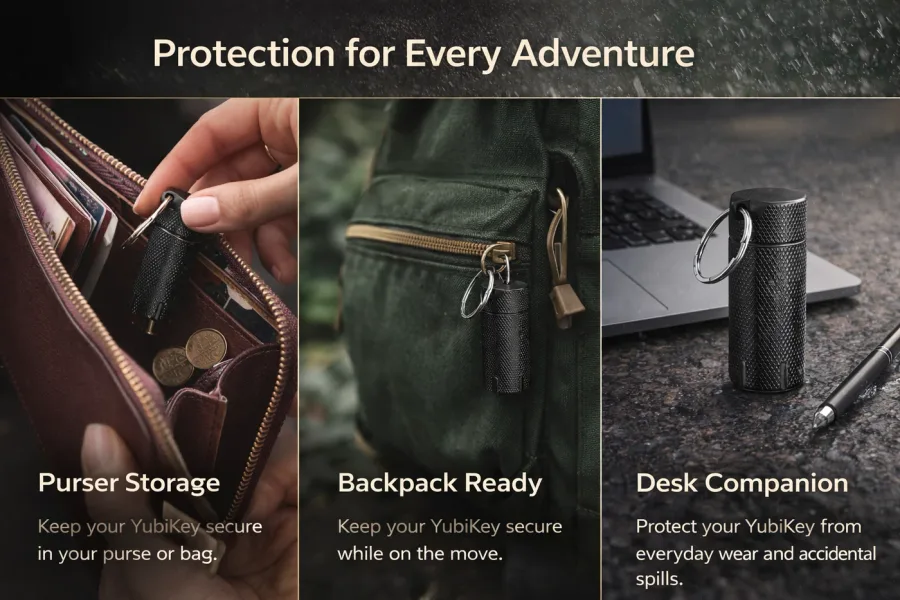
Package each issued YubiKey with a protective case, quick-start card, backup-key guidance, labels, and company-branded materials.
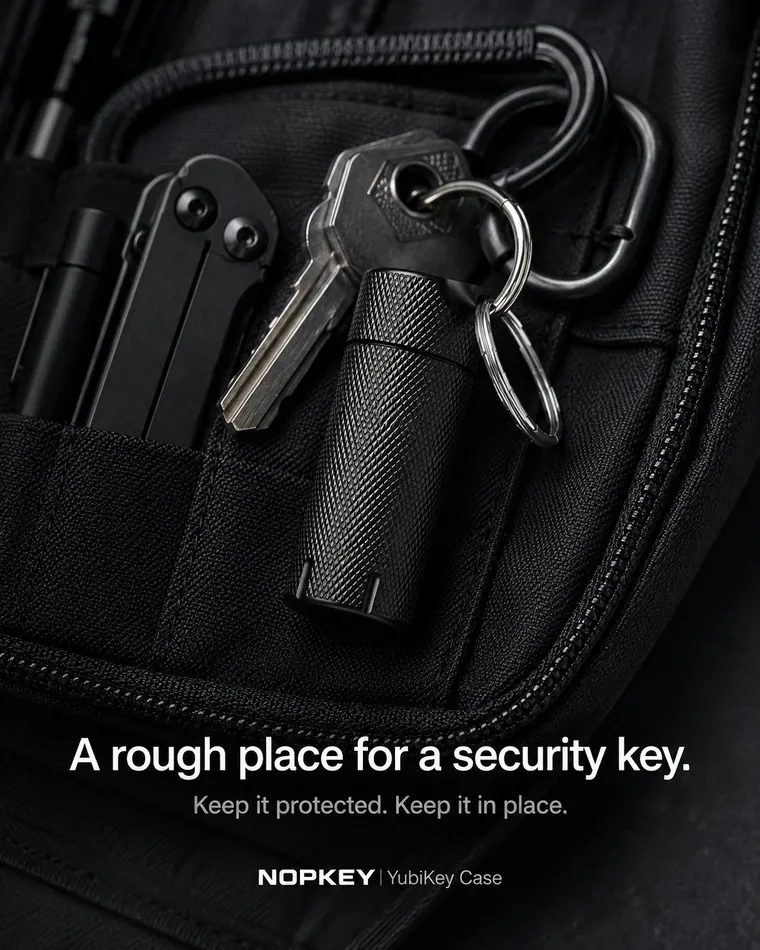
Give employees a consistent kit when IT cannot physically manage every desk, bag, travel pouch, or backup location.
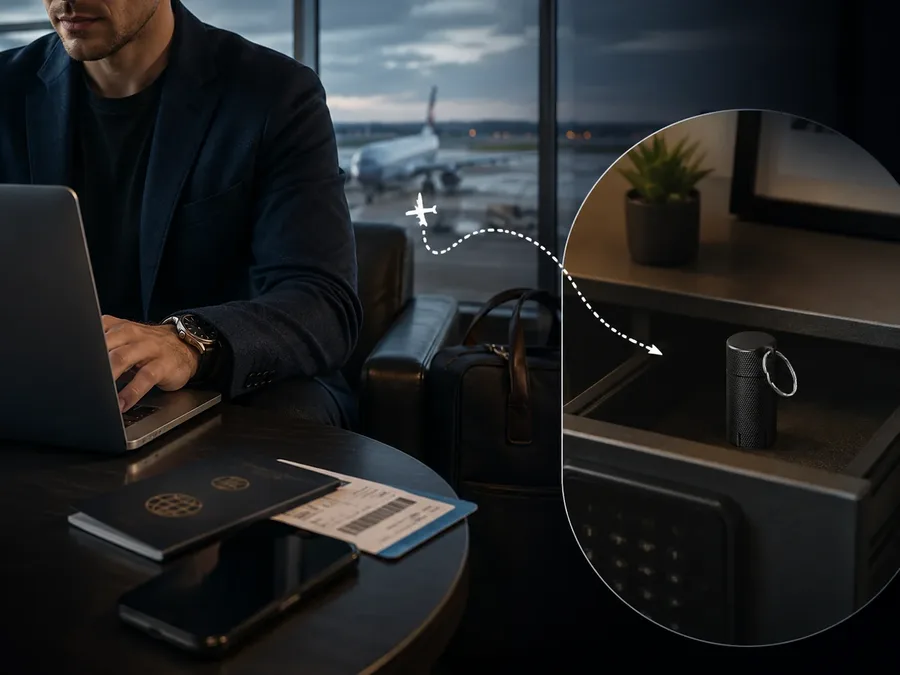
Reinforce the policy that primary, backup, admin, and shared YubiKeys should be protected, identifiable, and stored with intention.
For teams that want every hardware-key rollout to feel official and trackable, we can discuss branding, asset labeling, packaging, and employee kit materials.
Logo placement options for kit materials, package inserts, onboarding cards, or rollout assets.
Nameplate, label, or identification concepts for team-issued security key kits.
Packaging direction for onboarding bundles, security kits, or procurement-ready sets.
Bundle planning for YubiKey carry, backup-key guidance, setup cards, and internal security messaging.
NOPKEY Business can help turn a hardware security key into a complete employee deployment kit with the standard NOPKEY case, instructions, labels, packaging, and tracking support materials.
Metal carry case currently built around USB-A NFC and USB-C NFC YubiKey-style form factors, including common 5 NFC / 5C NFC-style keys.
Insert cards for setup steps, NFC reminder, seal check, and guide QR code.
Asset ID labels, primary/backup labels, department labels, or batch labels.
Packaging, sleeves, or kit formats for onboarding and procurement workflows.
Enterprise nameplate or labeling concepts for internal identification.
Primary/backup, admin, executive, or shared department key kit planning.
Employee handoff notes, backup-key policy cards, and guide links.
CSV or spreadsheet templates for teams that manage records in existing systems.
For teams managing primary keys, backup keys, admin keys, executive keys, or shared department keys, NOPKEY can support the physical layer of asset registration with labels, IDs, batch packaging, and spreadsheet-ready tracking templates.
Discuss labels, nameplates, or kit identifiers that map physical keys to internal asset records.
Use packaging or labeling concepts to support rollout batches, teams, departments, or locations.
Help employees and IT distinguish daily-use keys from backup keys that should be stored separately.
Support the physical handoff process for issuing, replacing, recovering, or returning hardware keys.
Tell us your quantity, deployment use case, and kit goals. We can discuss business options for brand logo, enterprise nameplate, asset labels, insert cards, packaging, multi-key kits, and employee security kits based on the standard NOPKEY case.
Ask about adding your company logo to packaging, inserts, or kit materials for employee rollout.
Discuss branded labels, identification plates, or team-specific marking options for security kits.
Ask about label concepts for issued-key records, backup-key identification, batch-based deployments, or spreadsheet templates.
Plan packaging for onboarding bundles, IT-issued hardware key kits, or procurement-ready sets.
YubiKeys provide phishing-resistant authentication. NOPKEY helps the physical key become easier to distribute, carry, identify, protect, and include in a repeatable employee security workflow.
A consistent case gives employees a clear place for the primary hardware key instead of loose pocket or bag storage.
Logo, label, asset ID, or nameplate planning can make issued security kits easier to recognize and communicate internally.
Packaging and guide materials can reinforce separate storage for backup keys and recovery material.
Business packaging helps turn a security key into a complete employee rollout item rather than a loose accessory.
Retail names often appear as YubiKey 5 NFC and YubiKey 5C NFC, while enterprise SKUs may use different suffixes or part numbers. NOPKEY fit should be reviewed by physical form factor, dimensions, connector type, and issued-key reference.
USB-A NFC form factor: 18 x 45 x 3.3 mm. USB-C NFC form factor: 18 x 45 x 3.7 mm.
YubiKey 5 NFC-style, YubiKey 5C NFC-style, FIPS NFC form factors, and Enhanced PIN NFC form factors may share the relevant physical format.
Security Key NFC / C NFC, Enterprise Edition keys, and any enterprise SKU with different suffixes should be reviewed by SKU, connector, dimensions, or photos.
The metal capsule helps keep the key body protected while employees carry it with other daily items.
The keyring attaches to the case cap rather than directly stressing the key body.
Guide page covers insert steps, seal checks, NFC reminders, carry tips, and support questions.
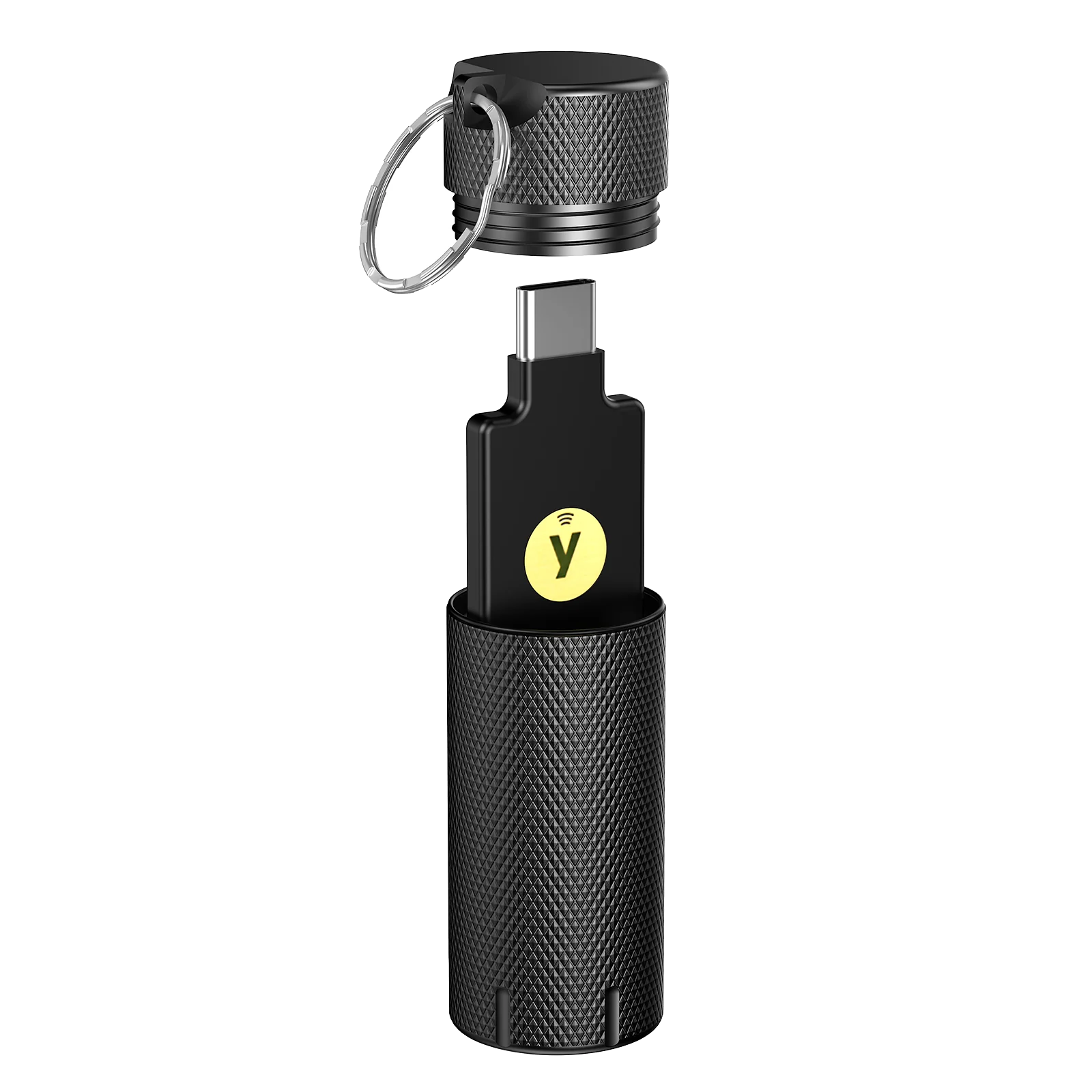
Open the case, remove the key, authenticate, then close and carry. NFC does not pass through the metal case.
Use the business form to describe your quantity, issued-key form factor, enterprise SKU or part number, rollout use case, and kit needs. We will respond with appropriate next steps.
Tell us if this is for onboarding kits, remote team rollout, executive security, backup-key planning, procurement, or resale.
Include the issued-key form factor, enterprise SKU or part number, connector type, estimated quantity, timeline, and purchasing requirements.
We can discuss bulk ordering, logo/nameplate needs, packaging, guide materials, and custom request feasibility.
Send your work email, estimated quantity, issued-key form factor, enterprise SKU or part number, deployment use case, kit components, and branding needs. For consumer purchases, use the main NOPKEY site or Amazon listing.
Quick answers for enterprise security, procurement, branded deployment kits, and employee rollout conversations.
No. This business page is for team orders, bulk quantities, custom packaging inquiries, and procurement questions. Individual buyers can use the main site or Amazon listing.
No. YubiKeys provide phishing-resistant authentication. NOPKEY supports the physical carry, protection, identification, packaging, and rollout experience around company-issued YubiKeys.
NOPKEY can help standardize employee carry, reinforce backup-key separation, support asset labeling, reduce loose-key wear, and make security key distribution feel like a complete internal program rather than a loose accessory handoff.
Yes, for the physical side. NOPKEY can support labels, nameplates, batch packaging, primary/backup distinction, issued-key kit organization, and CSV or spreadsheet tracking templates. It is not asset management software; teams can use their existing IT asset, IAM, MDM, or spreadsheet system for digital records.
A kit can include the protective case, company logo materials, enterprise nameplate or labels, quick-start insert, NFC reminder, backup-key policy card, guide QR code, asset ID label, custom packaging, and tracking template materials.
Use the form to describe the request. Options may include company logo materials, enterprise nameplate or labeling, packaging, insert cards, asset labels, tracking templates, and employee security kit planning. Availability depends on quantity, timing, and feasibility.
NOPKEY is built around the USB-A NFC form factor at 18 x 45 x 3.3 mm and the USB-C NFC form factor at 18 x 45 x 3.7 mm. Retail names often appear as YubiKey 5 NFC and YubiKey 5C NFC, while enterprise SKUs may use different suffixes or part numbers. FIPS and Enhanced PIN NFC form factors may match; Security Key NFC / C NFC and Enterprise Edition keys should be reviewed by SKU, connector type, dimensions, or photos before planning.
Send employees to guide.nopkey.com for insert steps, seal checks, NFC reminders, carry tips, and support information.
No. The metal case blocks NFC signals. Employees should remove the YubiKey from the case before NFC tapping or USB authentication.